Fusion Professional Quick Tutorial Connection
Mart 01, 2022

To perform and analyze your scans with the OKM Fusion Professional you need to connect it to the included Windows Notebook. In this Tutorial we will show you how to connect your Fusion Professional to the notebook fast via Bluetooth and were you can find the integrated OKM Visualizer 3D Studio software.
Ekim 11, 2022
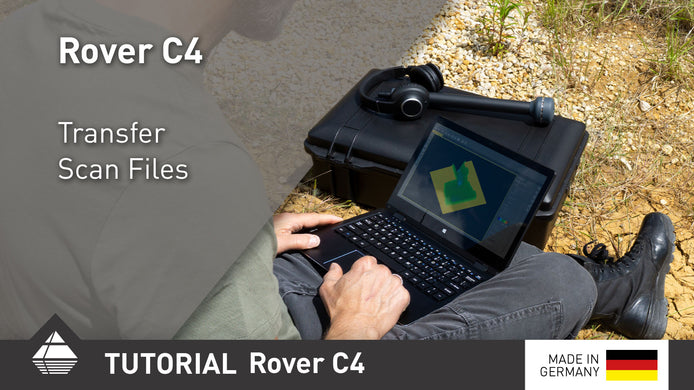
Rover C4 Quick Tutorial Transfer Scan Files
After performing your scans, transfer them to the Windows notebook via Bluetooth for further analysis.
Mart 22, 2025
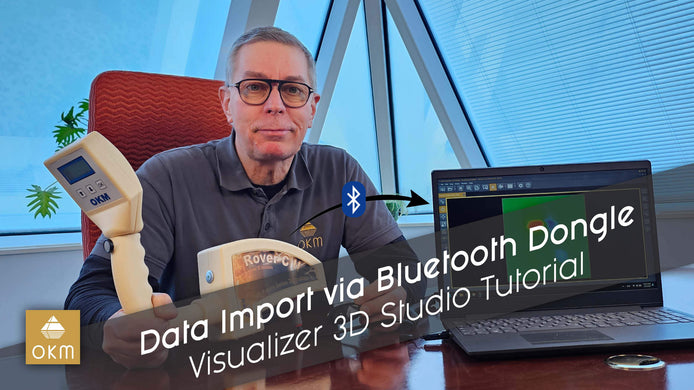
Transfering Scan Data via Bluetooth Dongle | V3DS Tutorial
Learn how to easily transfer scan data from your Rover C2 to your PC with our step-by-step video guide, featuring ...
Şubat 21, 2025
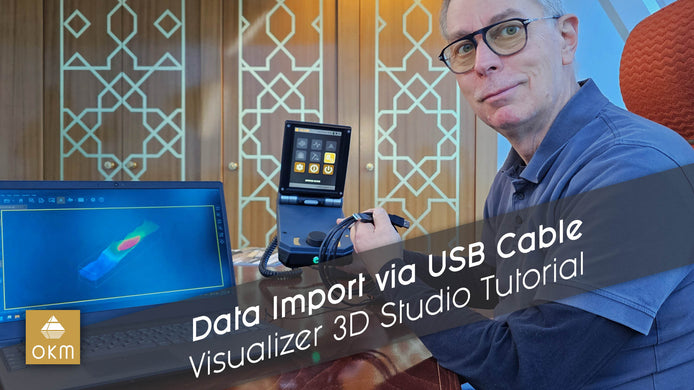
USB Kablosu ile Tarama Verilerini Aktarın | V3DS Eğitimi
OKM 3D Yer Tarayıcınızdan bilgisayarınıza veri aktarmayı OKM uzmanı Frank’in adım adım anlattığı bu öğretici video ile kolayca öğrenin. Hemen ...