Rover C4 Quick Tutorial 3D Ground Scan
August 25, 2022

The Mode 3D Ground Scan on your OKM Rover C4 is used to create a 3D image of the Ground up to 20 meters deep. The Rover C4 comes with two probes, the Standard-Probe and the Supersensor. Both probes can be used for the 3D Ground Scan. Your scan results can be visualized in OKM´s Software Visualizer 3D Studio.
In this video you´ll learn:
- which of the two probes is best
- how you prepare your settings
- about the Impulse Mode, Scan Mode and the Transfer Mode
- how to perform the Scan
- how to transfer your results
October 11, 2022
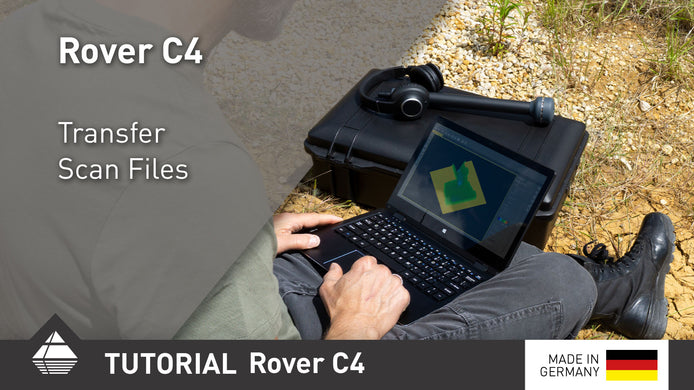
Rover C4 Quick Tutorial Transfer Scan Files
After performing your scans, transfer them to the Windows notebook via Bluetooth for further analysis.

January 15, 2025
Importing Data via Bluetooth | V3DS Tutorial
Quickly import scan data from the Detector to your PC using Bluetooth in this easy V3DS tutorial. Simplify your process ...
August 02, 2022
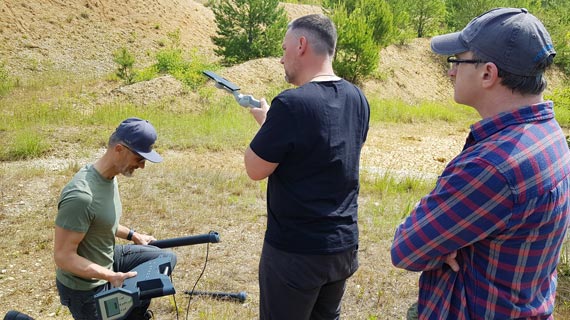
Behind the Scenes: Making of OKM Tutorials
The video shoot for the current Rover C4 tutorials took place in a former gravel pit: Perfect to test the ...